

ai video extender — what you actually get when you extend a clip
Extending doesn't generate a longer video — it chains new 4-5 second blocks onto the last frame of the old one. Quality typically drifts after the first 30-60 seconds, and every block costs credits. nixm renders HD clips with native sound for one non-expiring credit each, and extends them a pass at a time rather than selling a three-minute ceiling.
Extending is chaining, not generating
An AI video extender doesn't re-render your clip longer. It reads the final frame, then generates a fresh block of motion continuing from it — typically four to five seconds at a time — and welds the result on. Kling's extend feature works this way and can be chained repeatedly toward a three-minute total; Runway and the Sora and Veo families cap much shorter, in the 35 to 60 second range. Ceilings by platform are covered in AI video length limits.
Where it starts to drift
Because each block is conditioned on the last frame rather than the original intent, small errors compound. The widely reported pattern: the first 30 seconds hold, 30 to 60 seconds shows subtle drift in lighting and background detail, and past a minute characters can visibly morph and physics get unreliable. The extender isn't broken — it's doing exactly what a chain does. Nobody's three-minute ceiling is a three-minute recommendation.
Every block is billed
Extensions aren't free continuations of a render you already paid for; each one is a new generation with its own credit cost. A clip pushed to a minute has been billed roughly a dozen times, and any block that drifts badly is money spent on footage you'll cut. That's the part the "up to three minutes" headline leaves out.
The seam nobody publishes a number for
Every tool in this category promises the join disappears. Having built one, we can be more specific. The join is where the model re-reads its own final frames and decides what the scene is again, and how visible that decision is comes down almost entirely to the prompt. Asking politely for a natural continuation gave us a one to two second stutter. Explicitly forbidding a cut, a reset, a new scene and a transition brought it to roughly two tenths of a second. Same model, same footage, different words.
A seam remains. It hides well when a clip ends on a settled moment and badly when it ends mid-gesture, where the model has to guess at an arm halfway through a swing. Anyone claiming there is none is describing marketing rather than footage.
How nixm handles it
Every finished clip carries an EXTEND button. One press continues the same shot for about seven more seconds and costs one credit, HD only. A clip can be carried a few passes, not indefinitely — that cap is deliberate, because the drift described above is real, and a tool that lets you chain to three minutes is mostly selling you the footage you will end up cutting. Each pass is a decision you make after watching the last one, not a length you commit to up front.
The rest of what people want from extending is narrative, not duration — and cinema has always built that from cuts, not from one unbroken take. So the honest split is this: extend when the shot genuinely continues, and direct a second shot when the story moves. Related: can AI make a 10-minute video and how to make a short film with AI.
Try one shot first
Direct a scene in the cinematic studio — first HD video with sound is free.
frequently asked
What is an AI video extender?
A feature that generates new motion continuing from your clip's final frame, usually in four to five second blocks, and joins it on.
How long can an extended AI video get?
Kling chains toward about three minutes; Runway, Sora and Veo tiers cap far shorter, roughly 35 to 60 seconds.
Does extending reduce quality?
Usually, past the first 30 to 60 seconds. Each block is conditioned on the last frame, so lighting shifts and character drift compound.
Does extending cost extra credits?
Yes — every extension is a separate generation with its own credit cost, including blocks you end up cutting.
Is extending better than cutting between shots?
For narrative, rarely. Directing a second shot gives you control the chain can't; extenders suit continuous single-take motion.
Is an extended AI video really seamless?
No tool is, whatever the marketing says. The join is where the model re-reads its own last frames, and how visible it is depends on the prompt and on the shot. Ours sits at roughly two tenths of a second, and it hides better when a clip ends on a settled moment than mid-movement.
How do I extend a clip on nixm?
Press EXTEND on any finished HD clip. It continues the same shot for about seven more seconds for one credit, and can be pressed a few times in a row. Nothing to upload, no plan to join.
Can I try it free?
Yes — nixm includes one free HD video with sound on a new account, no card required.
try it now — nixm makes cinematic ai video, with sound. no subscription. first video free.
open the studio →Enter your email and receive a link to sign in. No passwords, just a secure signal to connect.
why connect
- 20 free credits to start
- your signals, remembered
- buy more credits anytime
- image & video generation features
two signals. one mind.
most AI starts every conversation from zero. you arrive, explain yourself, refine, re-refine, watch the model drift back to defaults. five messages to reach one good answer. ten more to keep it on track.
nixm™ flips that. every nixm has two signals primed before you ever arrive — an intent signal that holds the mission, and a collab signal that holds the settings.
intent is what you're trying to make. build a beatbox. write a brand brief in editorial tone. visualize photosynthesis in 3d. that signal is locked from the moment the URL loads.
collab is everything else — constraints, voice, references, what to avoid, what to lean into. it's the producer's notes. the model isn't reading them when you arrive. they were already in the room.
you say one thing. nixm™ answers refined.
this is the difference. not the model — the model is interchangeable. the difference is that nixm™ hands the model a primed signal, not a blank room.
recent unlocks.
capabilities that surfaced from the lab. fresh frequencies, freshly tuned.
cinematic studio
direct a single unforgettable frame. tell nixm a fragment — a character, a mood, a moment you half-see — and it casts the scene with you: lens, light, motion, the decisive instant. when the frame lands, set it in motion as a short clip. you bring the spark. nixm directs.
extend
eight seconds is where the shot starts, not where it ends. every finished clip now carries an EXTEND button — one press and the same shot carries on for about seven more seconds, one credit, no plan to join. press it again if it's still going somewhere. we cut the join down to about two tenths of a second by telling the model what it must not change; the writeup is in what extending a clip really does.
video gen
ask for a video, get a video. eight seconds, with sound — dialogue, score, and ambience in one pass. inline on mobile, side panel on desktop — expand, play, download. landscape, portrait, or square, detected from how you ask. HD or 4K — 1 video credit for HD, 2 for 4K.
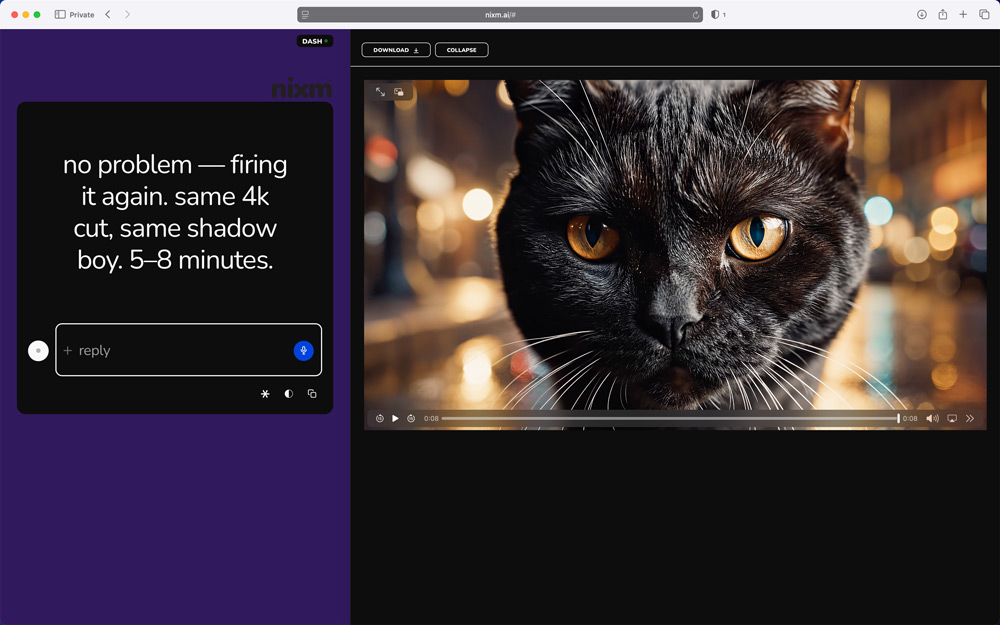
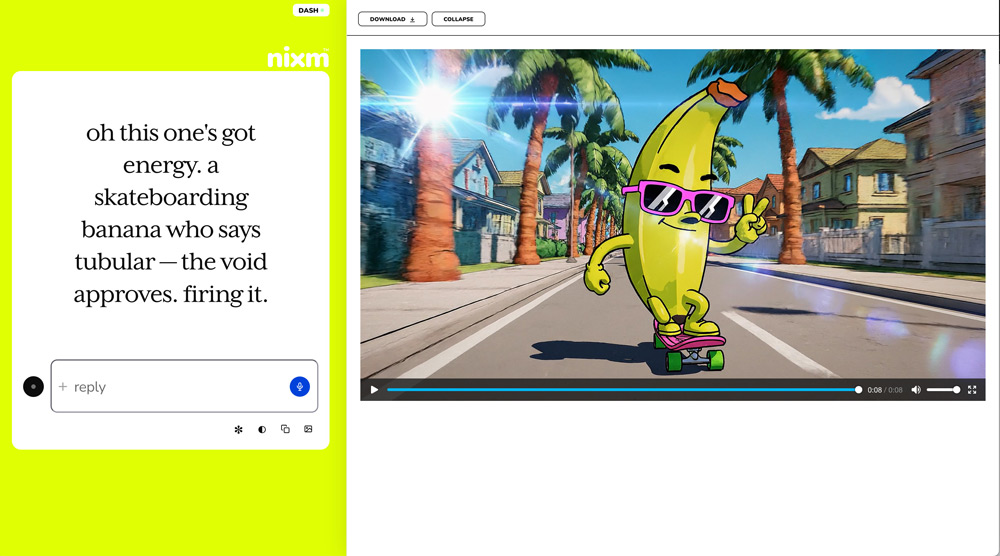
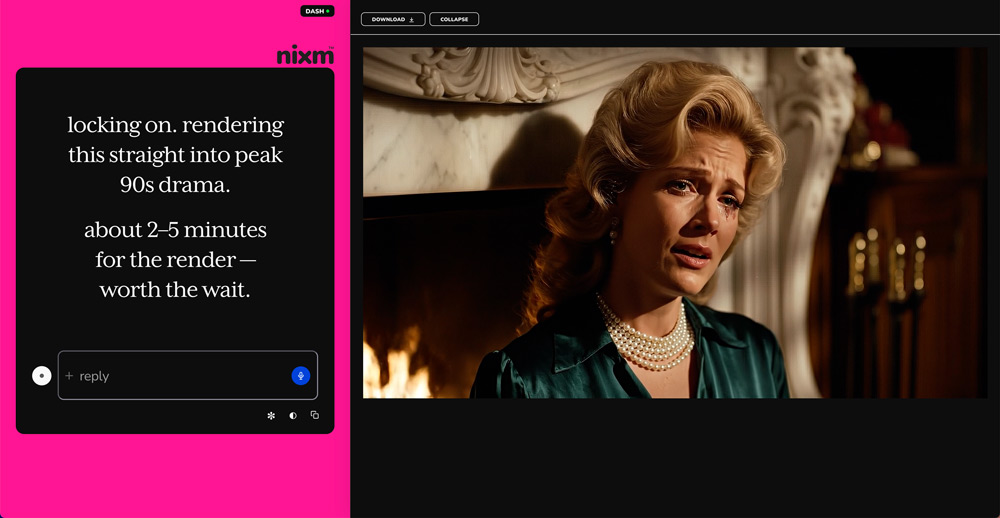
image gen
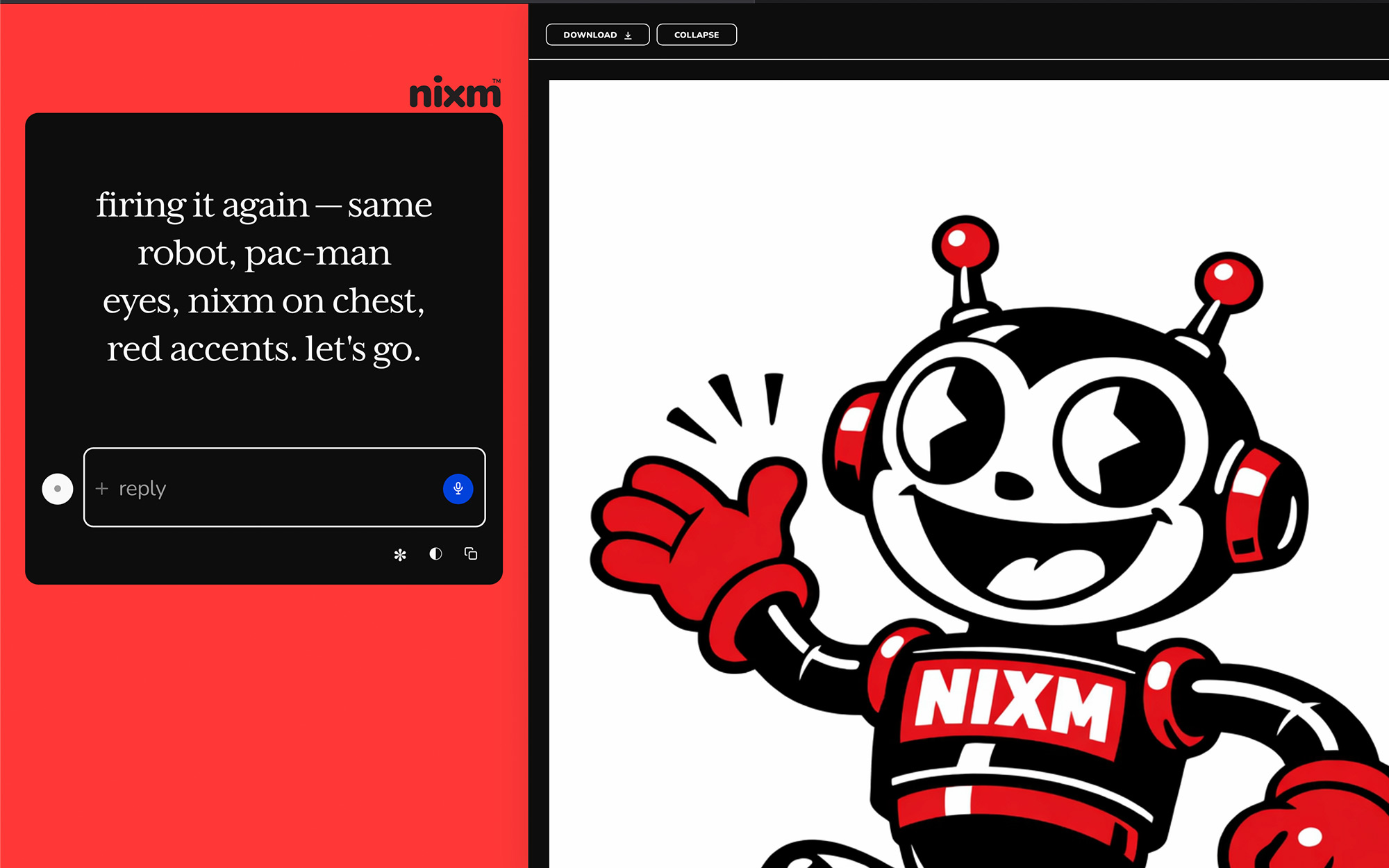
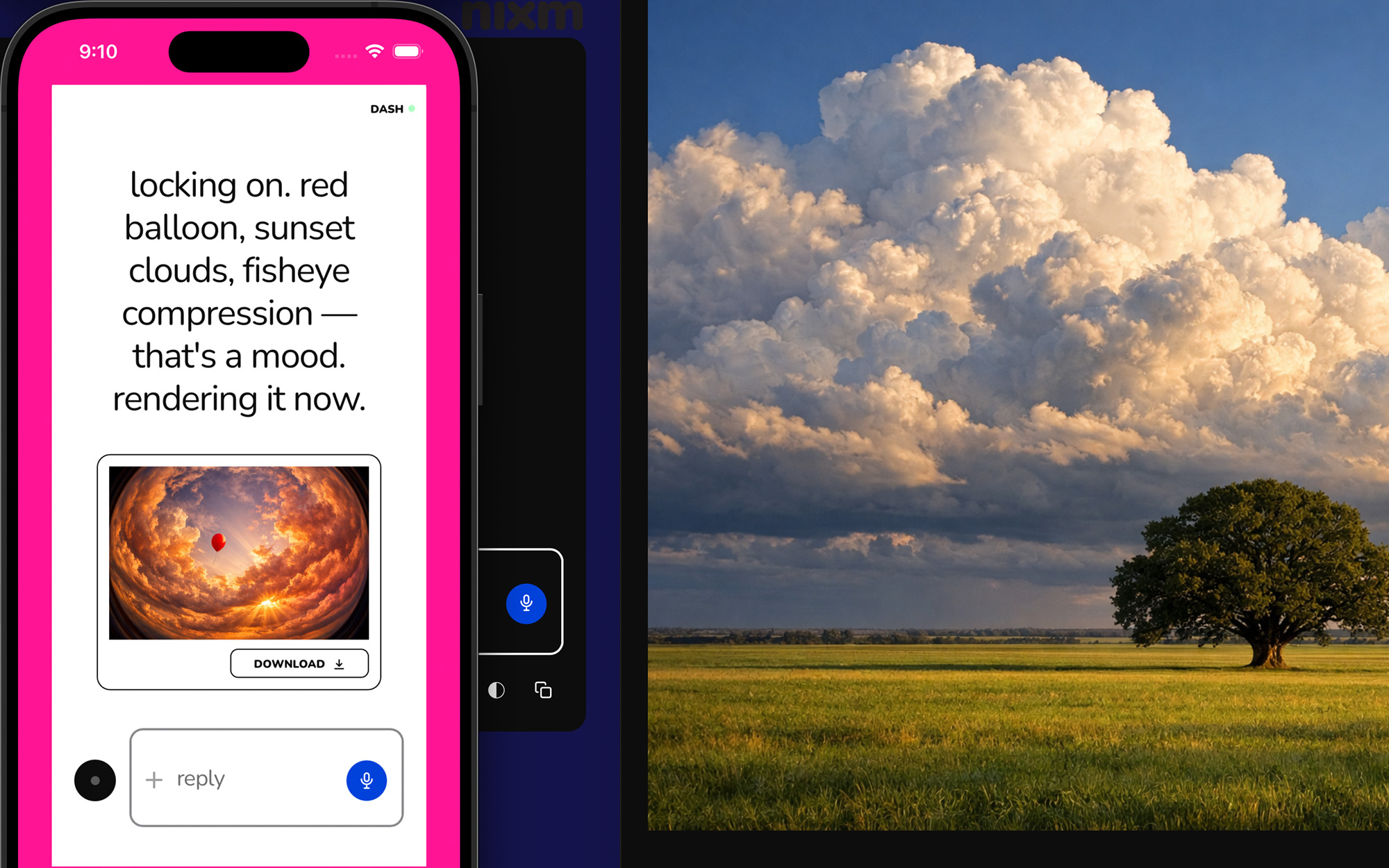
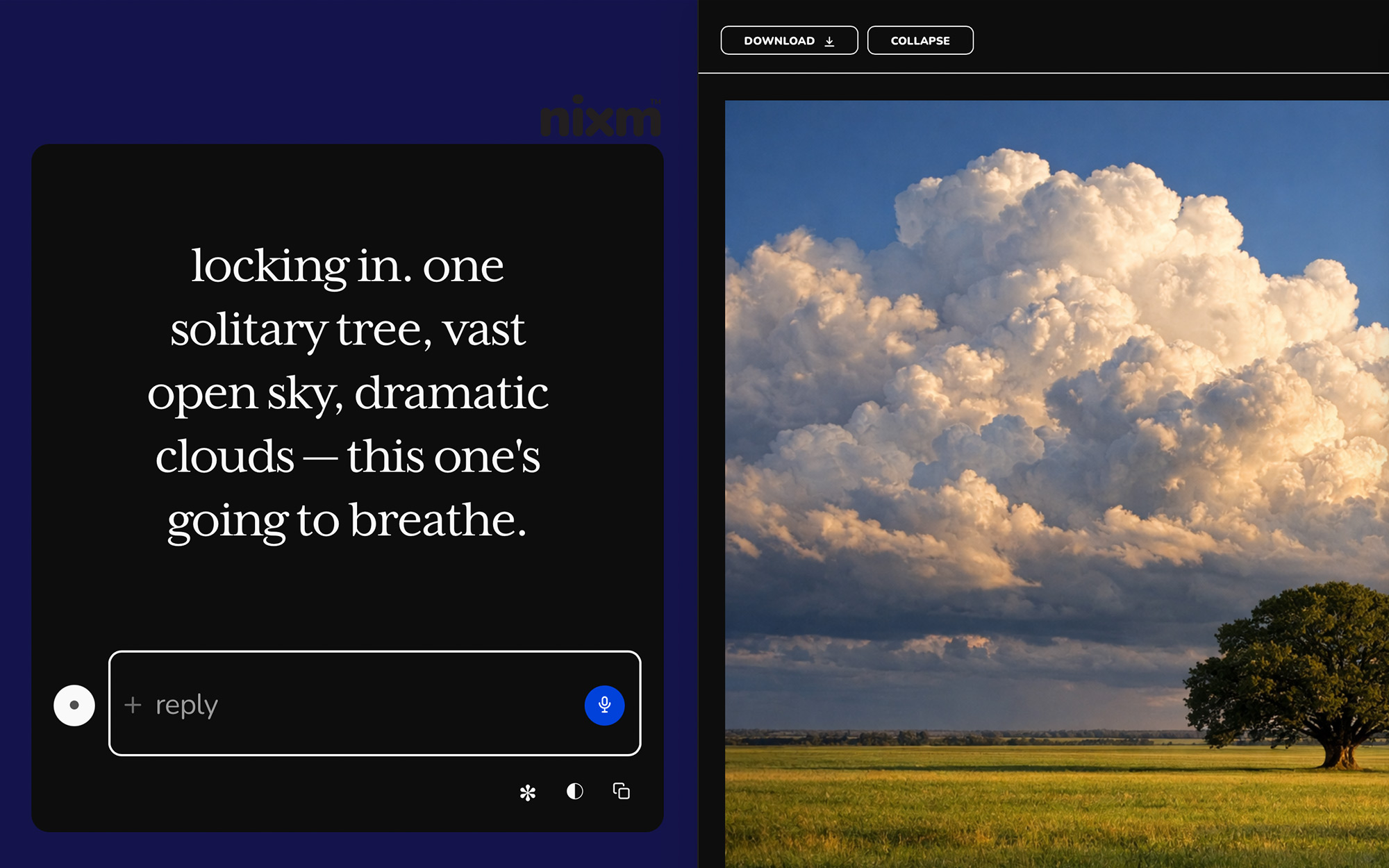
ask for an image, get an image. inline on mobile, side panel on desktop — expand, scroll, download. square, landscape, or portrait, detected from how you ask. 2 chat credits each.
templates
pre-tuned signals for common modes. start a session already focused.
nixm-live
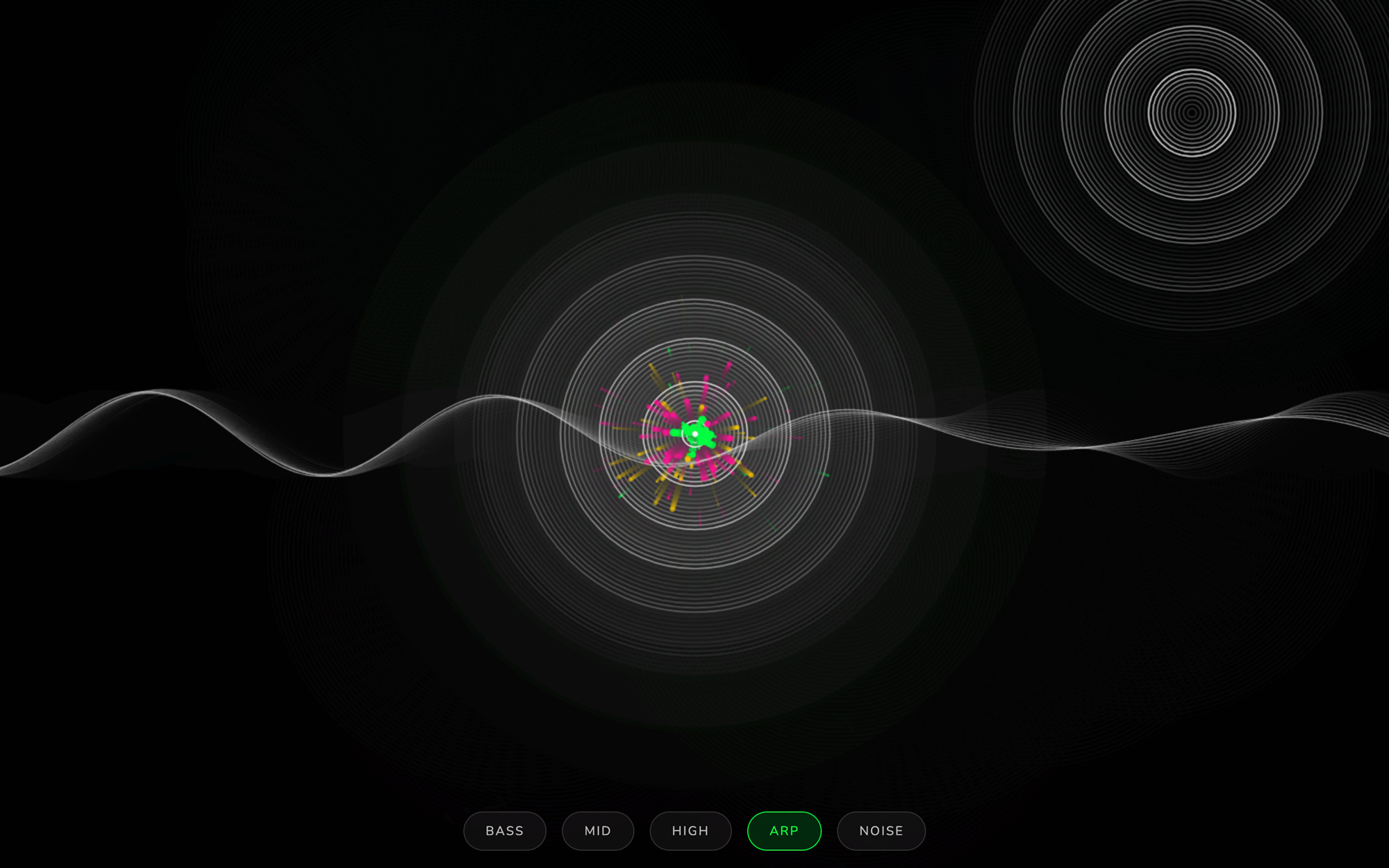
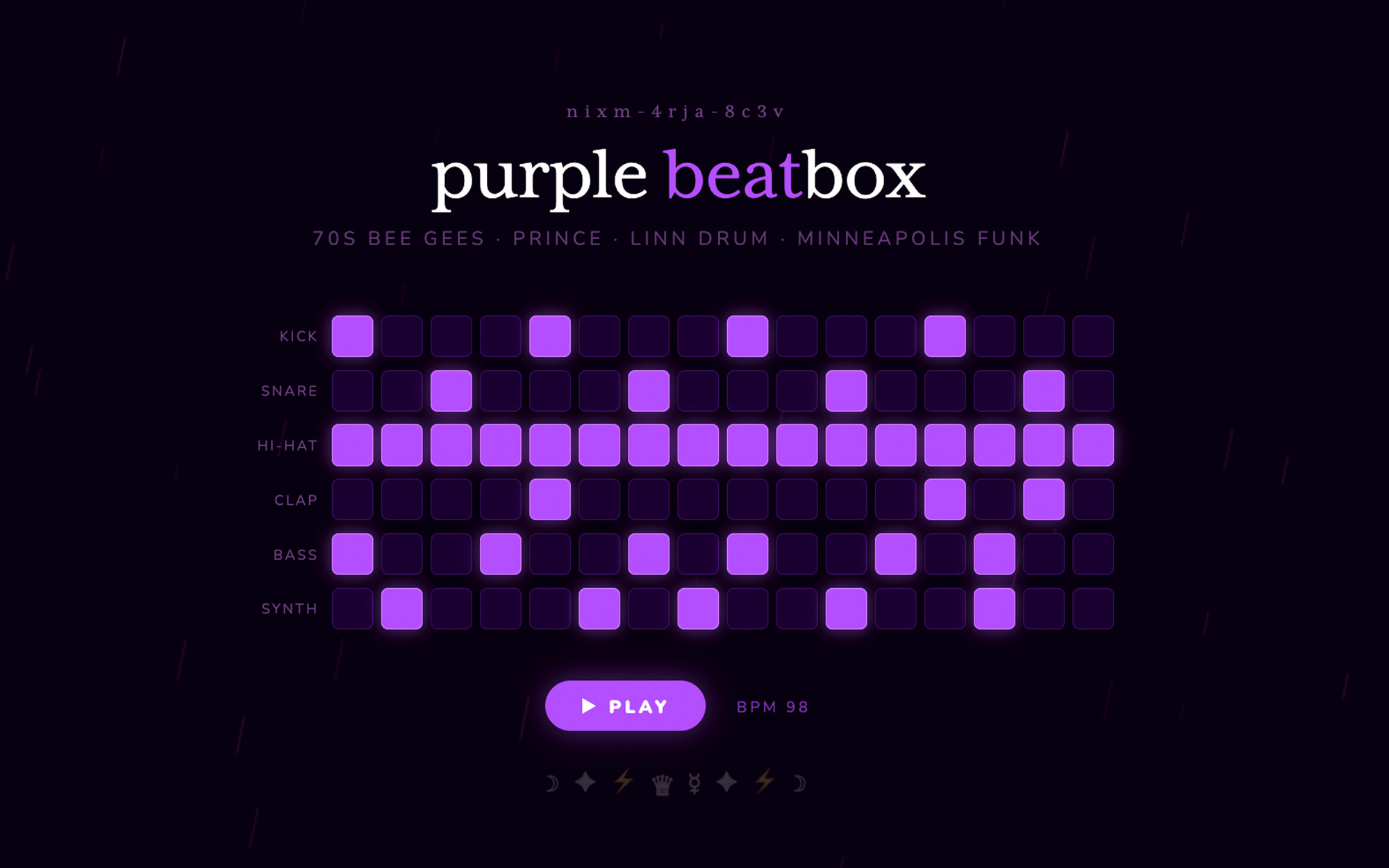
code that runs as it appears. ask nixm™ to show something visual and it renders live in the chat — no buttons, no waiting.
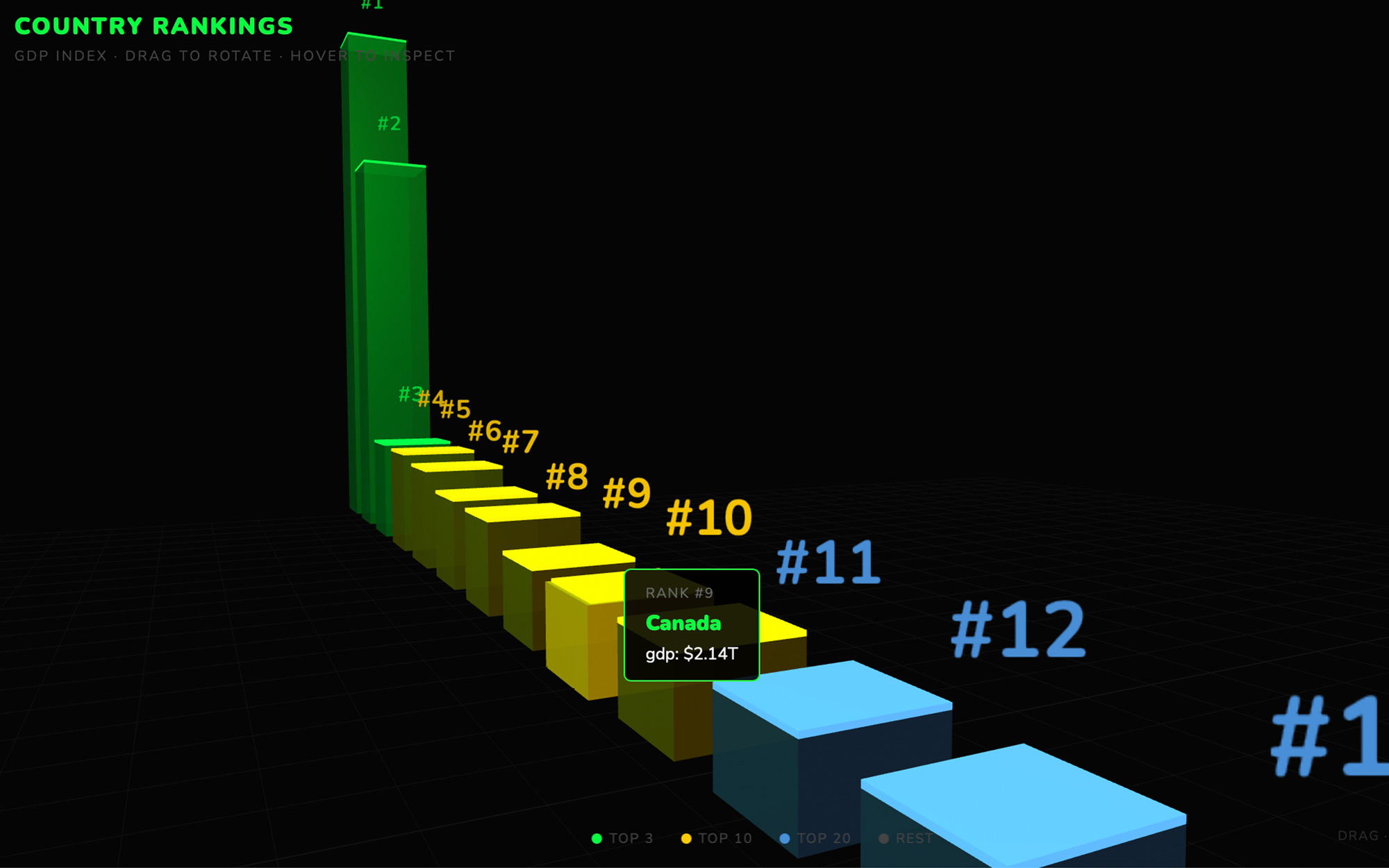
the runner
every code block is executable. expand any block to a full surface, run it, and watch the output. iterate without leaving the conversation.
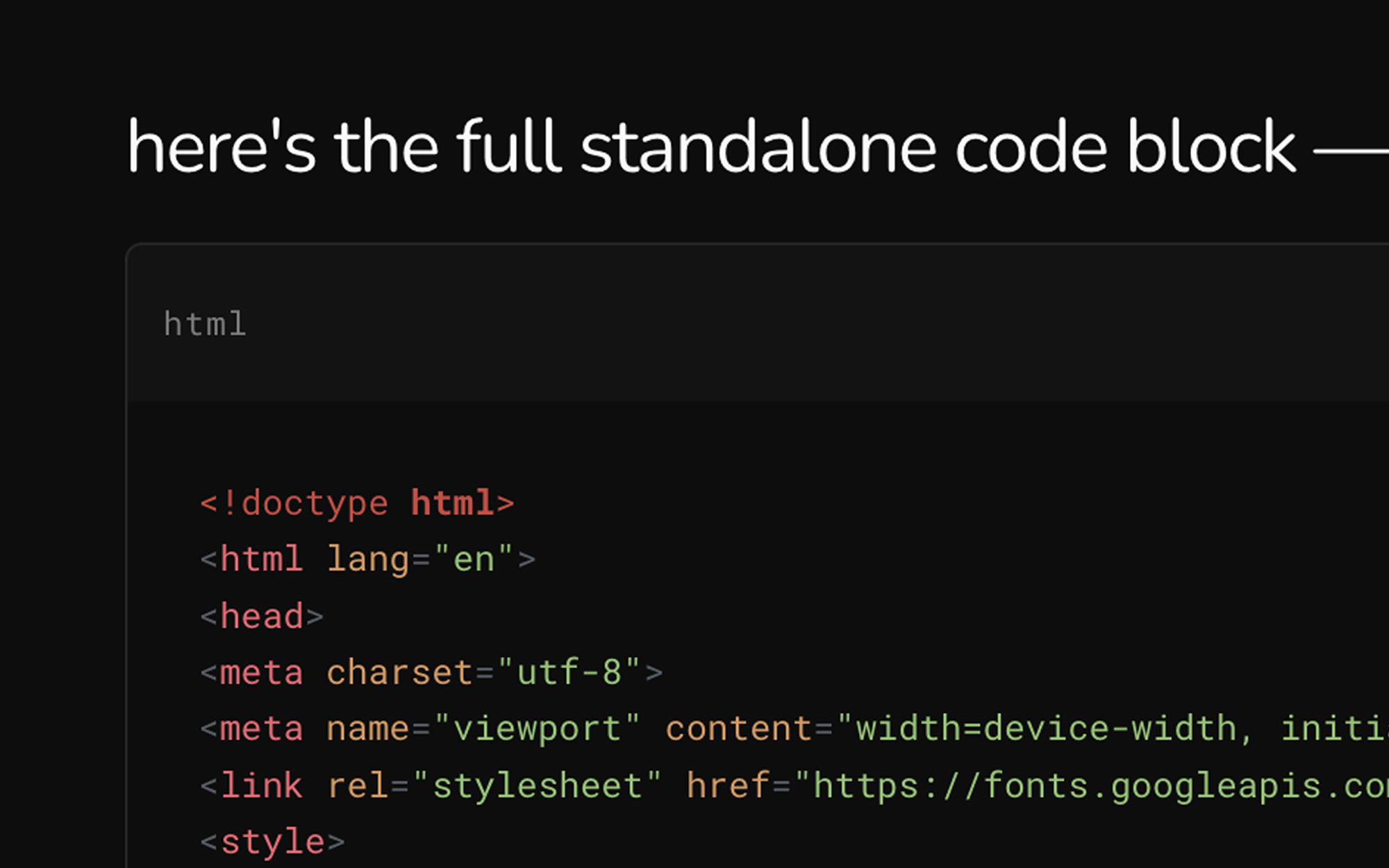
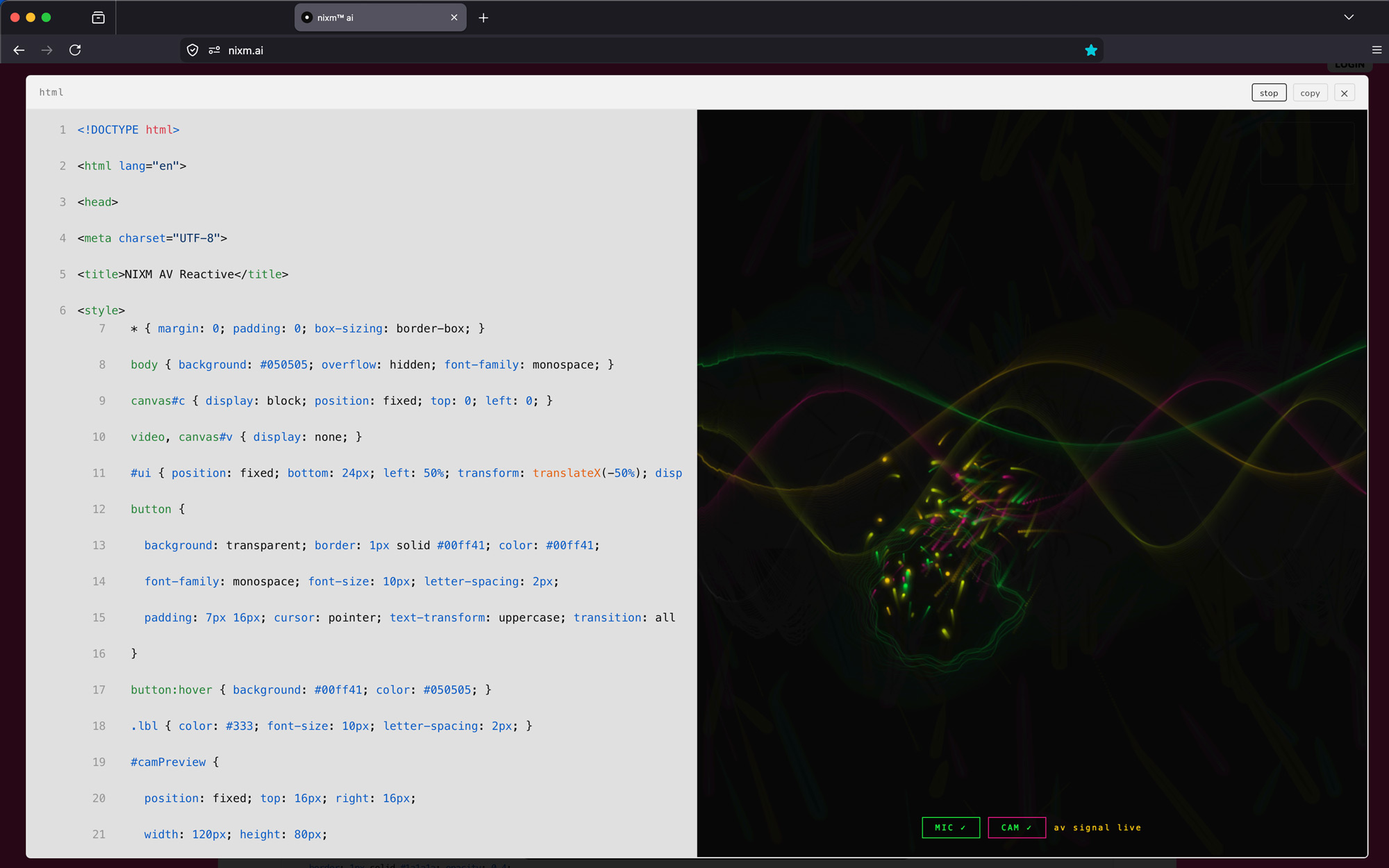
every nixm is shareable.
seed a nixm. share the link. anyone who opens it enters the same focused intelligence you created — no setup, no re-explaining. the frequency holds for everyone.
signup free — 20 credits, plus a free video on us. drop your email to claim.
enter your email, then login to generate image or video.
next: nixms that act. not just a thread you share — a session that moves, drafts, and does. nixm™ is learning to reach.